Guided experiments
Explore LED blink, buttons, light sensing and other beginner activities.

Arduino and robotics learning lab
Explore guided wiring and coding activities, adjust sensor inputs and observe how an educational simulation responds.
Curious students, beginner robotics learners and STEM educators
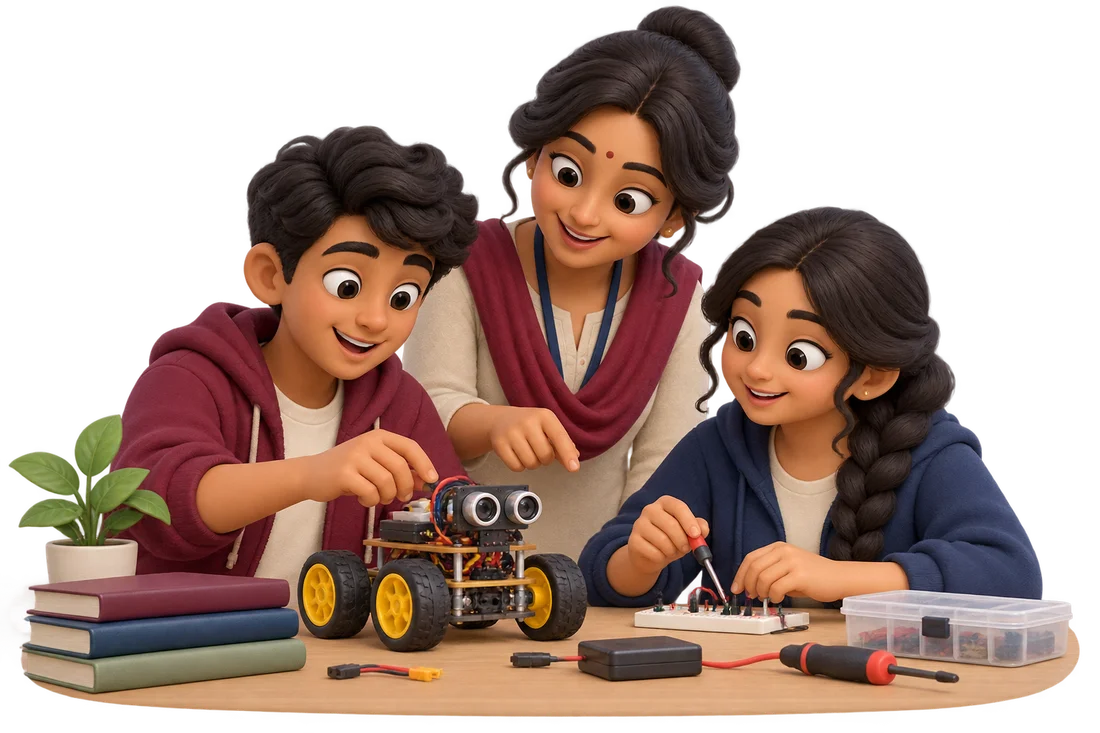
Designed for everyday use
Explore LED blink, buttons, light sensing and other beginner activities.
Join terminals, move components and compare wiring with an example.
Change the example code and observe the simulated response.
Use lesson tours, explanations, practice challenges and downloadable notes.
From first step to a useful result
Start with an activity appropriate to your learner’s experience.
Follow the wiring steps and make a small code edit.
Change a sensor input, observe the response and explain what changed.
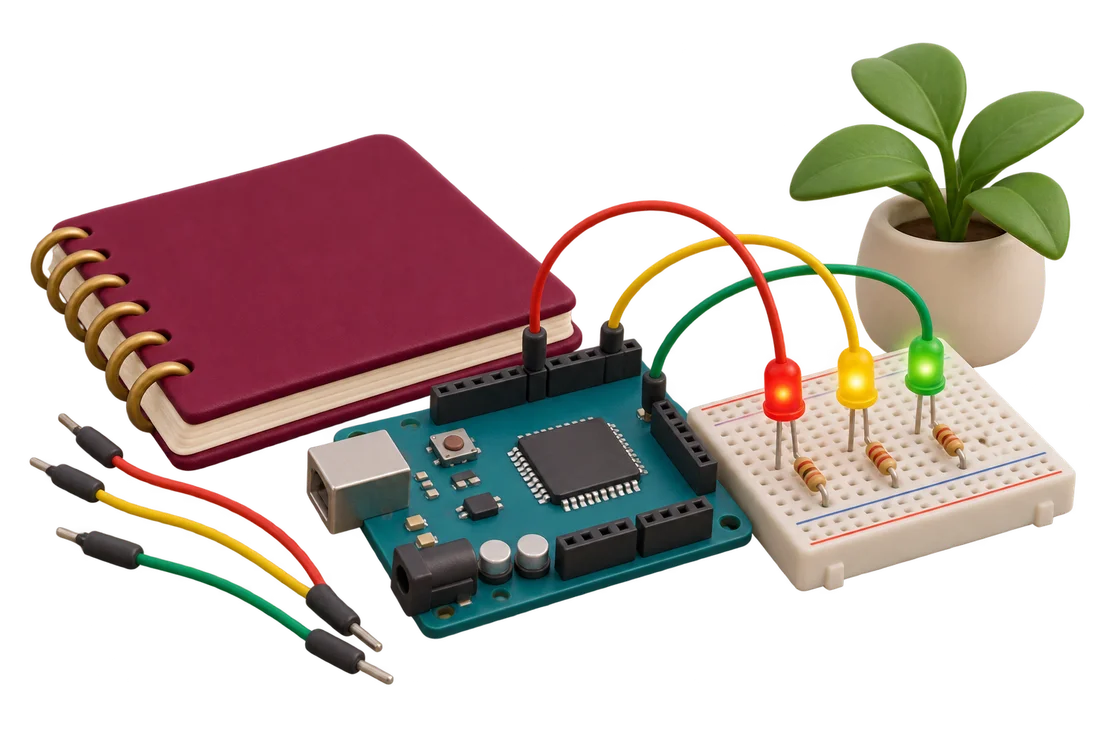
Activities connect a wiring decision or code change to an observable response. Guided tours cover the parts, connections, example code, observation steps and a coding challenge.
The lab is an educational interpreter and simulation. It does not compile every Arduino library, upload to a physical board or reproduce every electrical behaviour. Physical projects need appropriate components, power and supervision.
The guided simulation can be explored without physical hardware.
Yes. Compatibility with physical hardware still needs checking.
Take the next step
Continue to the connected portal to register or log in and check available tools and activities.
A school demo, a teaching tool or something for home? Tell us a little about yourself.