Run real Python
Execute beginner Python programs in a browser learning workspace.
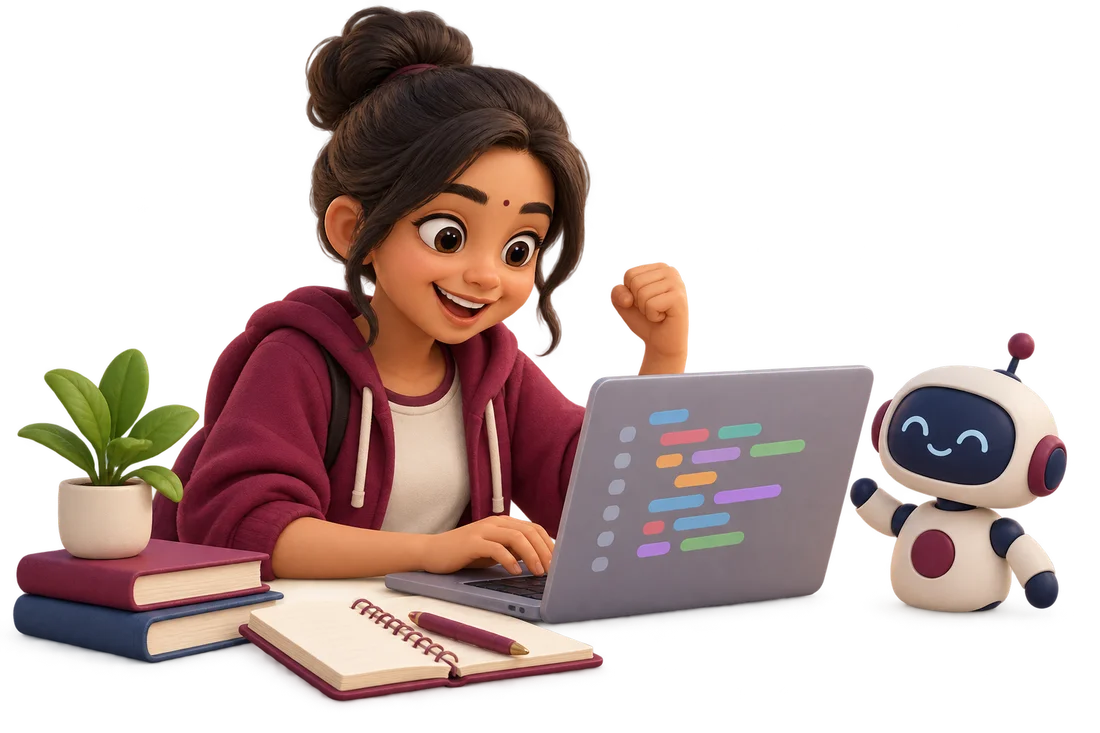
Python coding lab for students
Try Python in the browser, see your output and use clear error guidance to understand what to try next.
School students, beginner programmers and computing educators
Designed for everyday use
Execute beginner Python programs in a browser learning workspace.
See line references, student-friendly explanations and original error details.
Edit your program, supply inputs and run it again.
Stop execution when needed; the lab includes a runtime timeout.
From first step to a useful result
Start with a short exercise or your own idea.
Supply required inputs and inspect the output.
Use guidance to locate the problem and make your own correction.
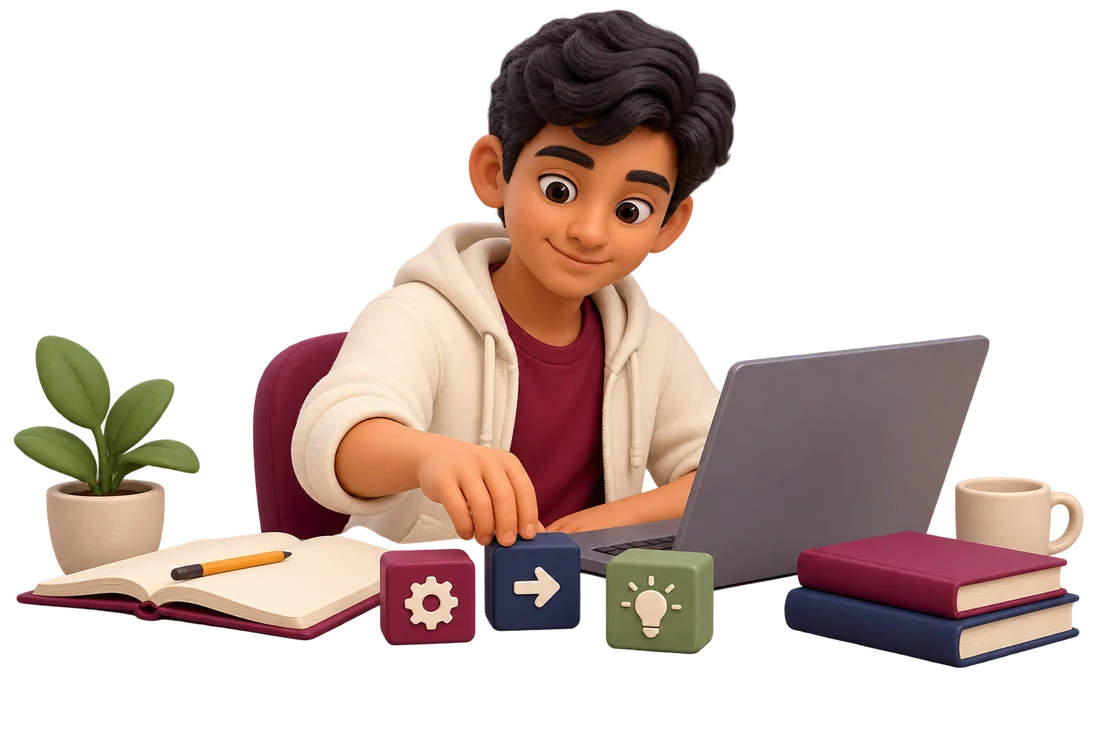
The lab explains common problems such as missing colons, indentation, names, types and number conversions. It does not silently rewrite your work. Learners see feedback and decide what to change.
The current lab supports text-based practice in the browser. It is not a promise of every Python package, interactive graphics library or production development environment.
The browser lab runs Python in a browser worker, so a local Python installation is not required.
No. It provides guidance and error details while leaving edits to the learner.
Take the next step
Continue to the connected portal to register or log in and check available tools and activities.
A school demo, a teaching tool or something for home? Tell us a little about yourself.